Create, version, and manage BOMs automatically, without spreadsheets, manual updates, or version confusion.
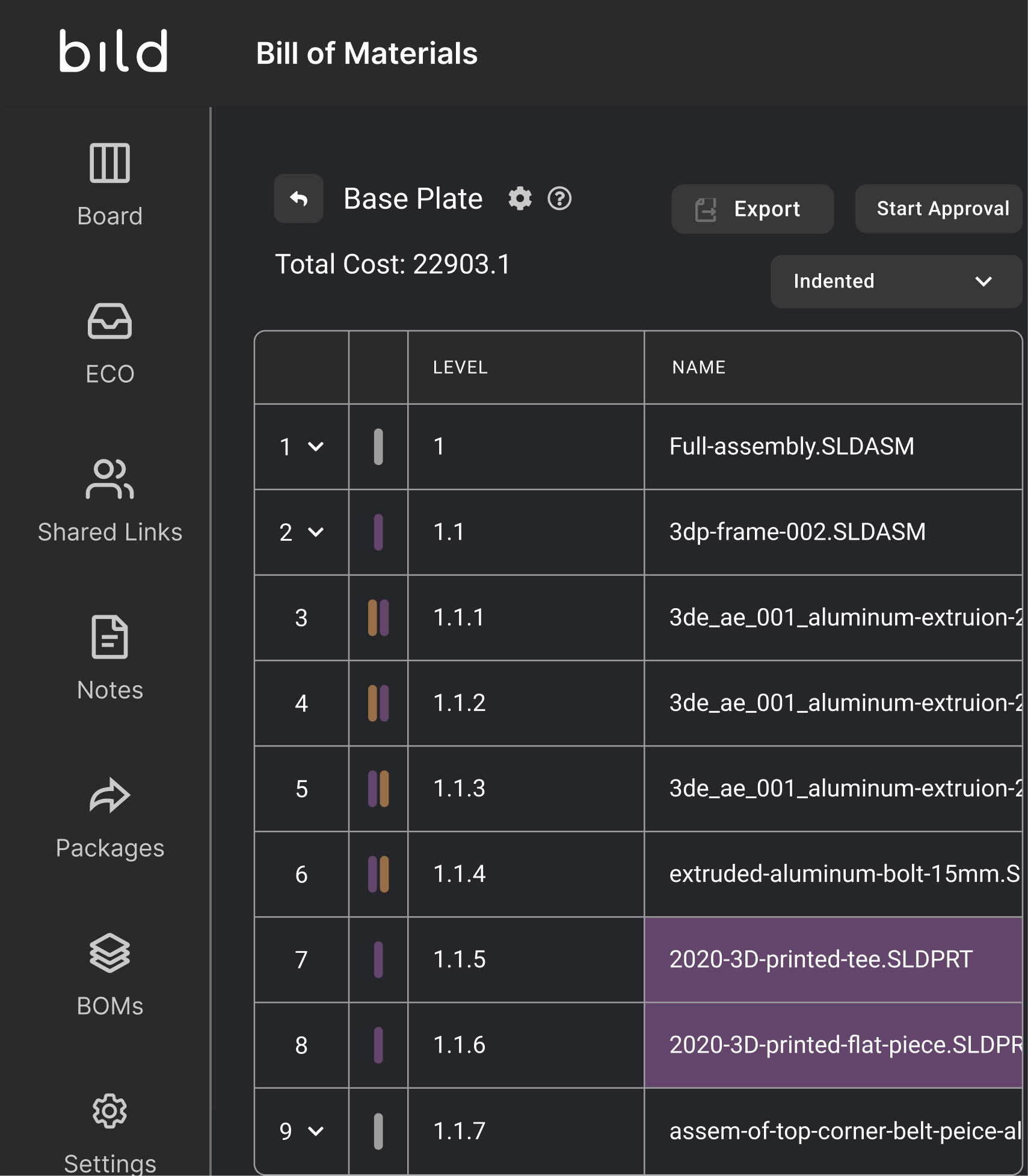
Quickly generate complete BOMs from assemblies and instantly understand part relationships, quantities, and costs, without manual calculations
Manual BOM management makes it hard to track what changed and when. Bild automatically versions every update, so your team always has full visibility into BOM history
Share your generated BOM with external collaborators and with other systems through a CSV export
Switch between indented, parts-only, and other views to match how engineering, supply chain, and manufacturing teams need to work
When BOMs, CAD files, and product data live in different places, teams waste time reconciling information and risk working from outdated data.
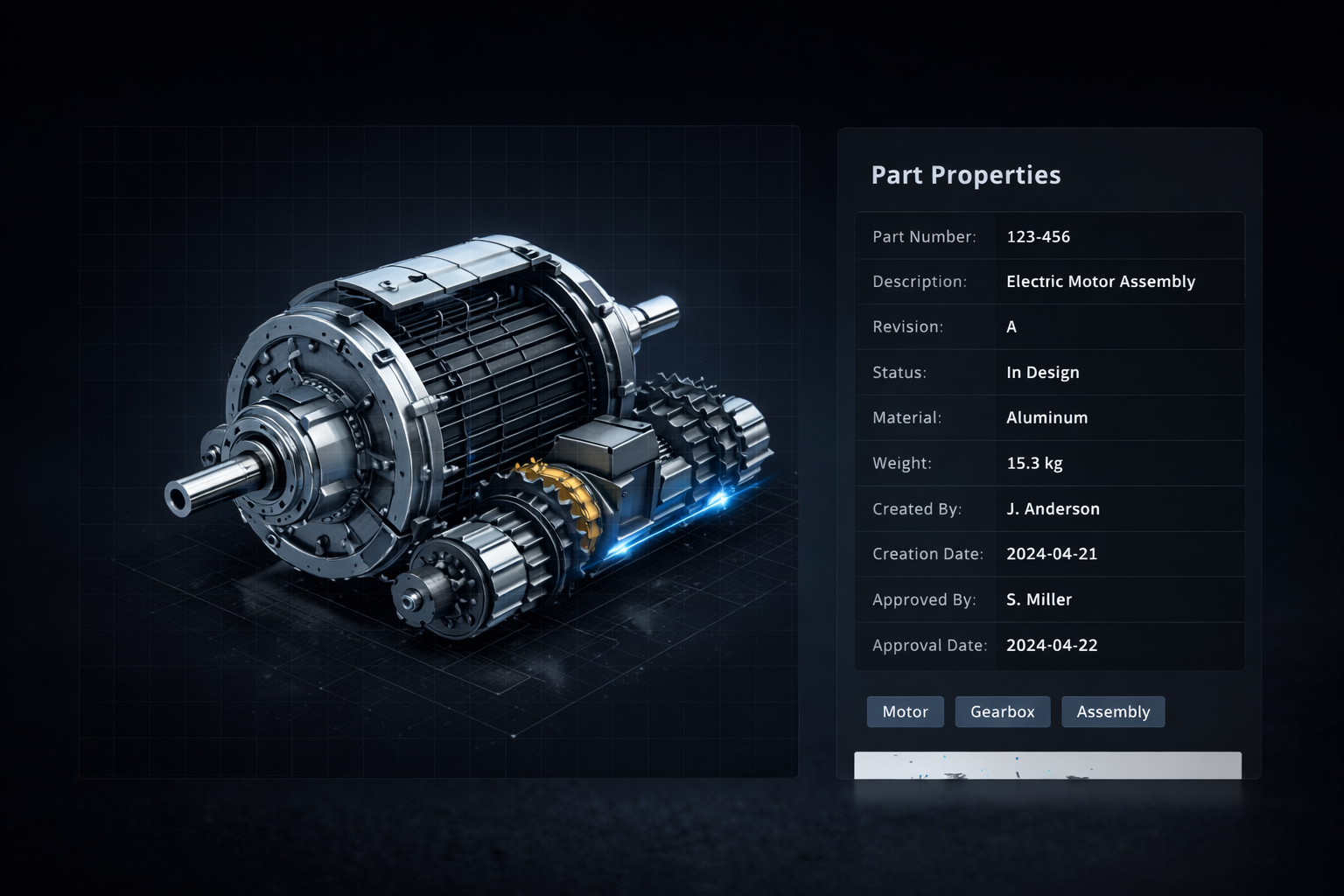
Bild connects your BOM directly to your PDM and PLM data, so everything stays automatically in sync.
Traditional BOM management slows teams down. Bild automates the entire process, generating BOMs from assemblies, syncing real-time CAD data, and exporting production-ready data instantly.
BOM Management: Spreadsheets vs Bild
- Manual updates → Automatically synced with CAD
- Version confusion → Built-in version control
- Static files → Real-time product data
- Error-prone workflows → Single source of truth
4x
Faster BOM creation
Generate complete BOMs in seconds instead of hours
300%
More product visibility
See real-time product data across engineering and manufacturing
Empowering teams to build smarter, faster, and together.



Yes, you can export a Bill of Materials (BOM) from Bild in multiple formats, including Excel (.xlsx) and CSV. You can also export the universal formats of the files in your BOM, including STEP files and PDFs of drawings, making it easy to share data across engineering and manufacturing workflows.
In Bild, you can create, manage, and release BOMs using version control and approval workflows. You can compare BOM versions, track revisions, and run approval processes before releasing a BOM to production or downstream teams.
Yes, you can import an existing Bill of Materials (BOM) into Bild. You have three options:
- You can create a BOM from files in your vault
- You can duplicate an existing BOM
- You can upload an external BOM file
When importing, you’ll need to ensure that file names, part numbers, and assembly hierarchy levels are properly mapped for accurate structure and traceability.
No, you don’t have to manually update BOMs. Bild provides automatic BOM synchronization, detecting changes between BOM data and file metadata. Whether you make updates in the BOM or in the file itself, you can sync changes with a single click, reducing manual work and minimizing errors.
Join the thousands of engineers innovating with Bild